UI/UX DESIGN
Alametric Mobile Design
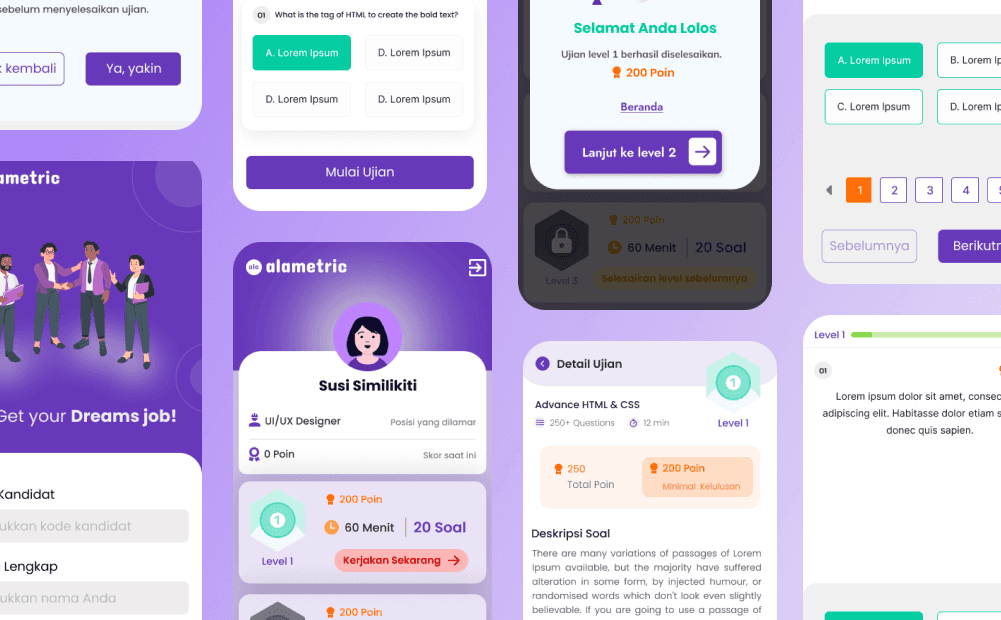
The project aims to develop an interactive assessment application designed to help you discover and secure your dream job.
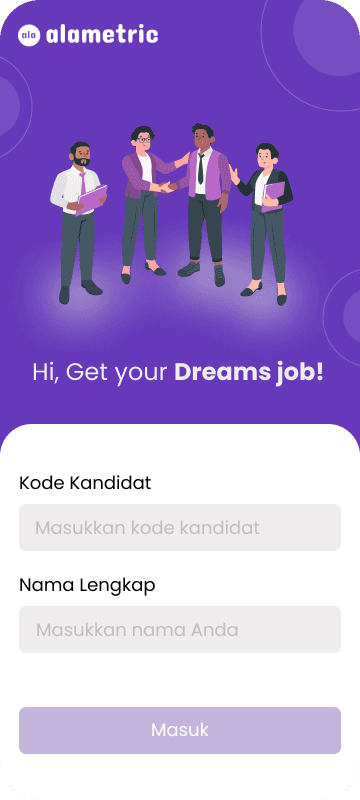
The initial page when the user wants to enter the exam question list. Here the user is asked to enter the candidate code given by HRD and the full name that matches the CV.
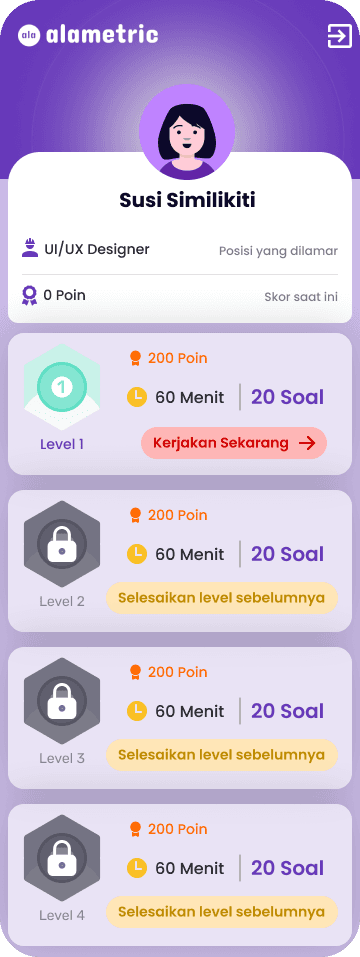
Users can see a list of available exams based on level and number of questions. In the profile section, users can see the position they are applying for and the current total score.
In the list of exam questions, users can see the total points they will get if they successfully answer all the questions correctly.
Users can see the number of questions and the total time limit to answer all the questions.
If the user has not completed the questions at the first level, the user cannot continue working on the exam at the next level so that the display of levels that cannot be worked on looks like it is still locked or cannot be clicked.
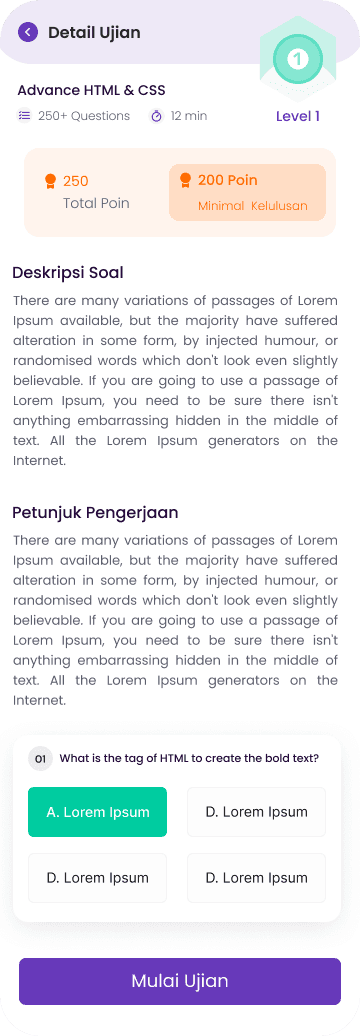
Users can see the exam details containing the title of the exam material, minimum passing points, question descriptions, and instructions for working on the questions. If the user already understands how to work on the exam questions, the user can click the "Start Exam" button.
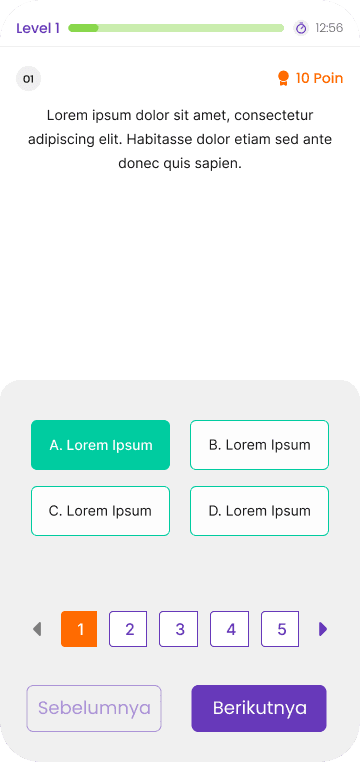
Users can see the first exam question page containing the question number, question, points per number, answer choices, and a timer to show the remaining time to complete the question. At the bottom there are other question numbers, if the user wants to answer questions randomly.
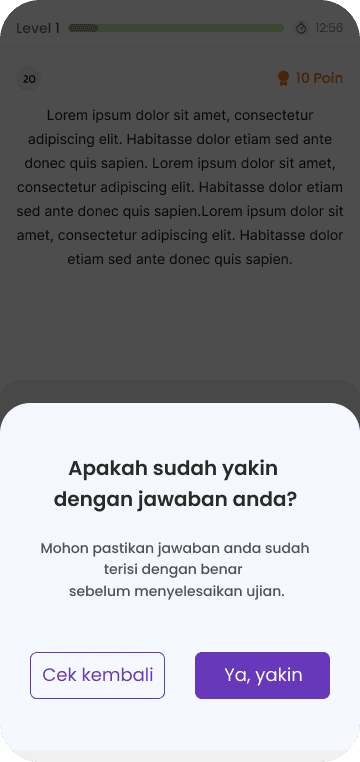
When user has finished all the questions and wants to finish, the user will be asked to confirm again, to ensure that the answers have been filled in correctly in their entirety.
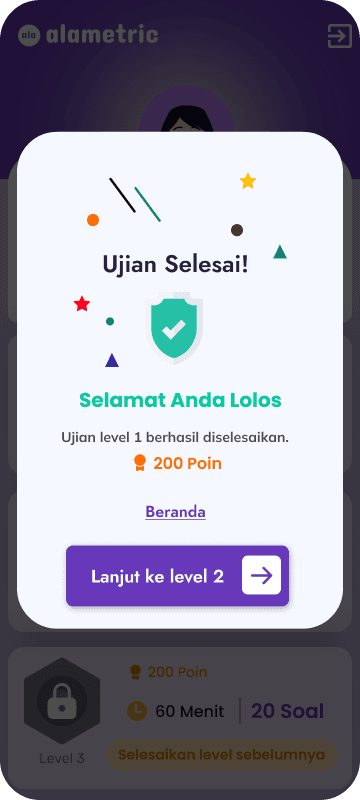
Users will immediately see the test results and assessment whether the user passed or not along with the total points obtained. Users can also immediately proceed to the next level.
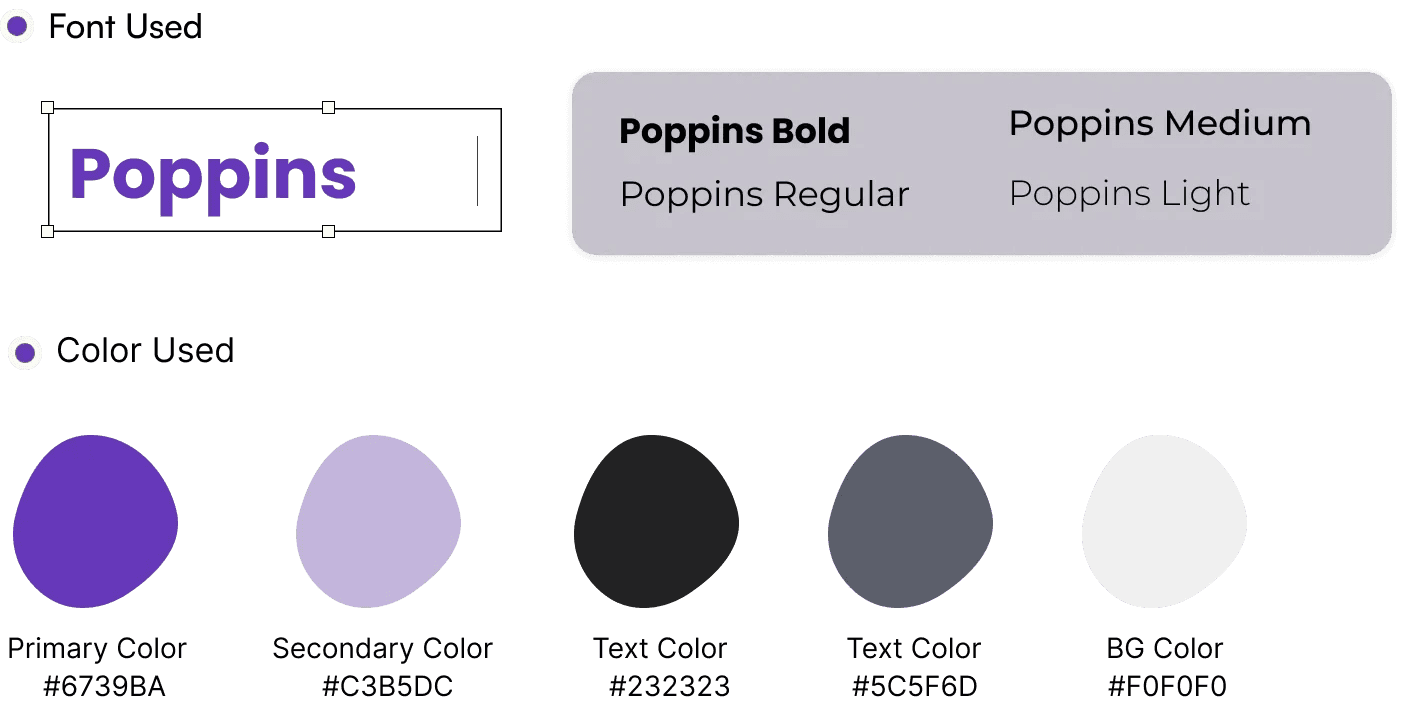
Typography and Colors